
There's a very specific moment in a growing business's life when its website builder stops feeling like a helpful starter home and starts feeling like a studio flat you've quietly outgrown. You want to add a feature, it's not possible. You want to tweak something for SEO, the option doesn't exist. You go to move your site elsewhere and discover you can't really take it with you. If you've ever muttered "I think I've outgrown this" at your Wix or Squarespace dashboard, this one's for you.
Migrating to WordPress is how a lot of businesses graduate from "a website that exists" to "a website they actually control." But the move comes with one very loud fear, usually shouted in all caps: WILL I LOSE MY GOOGLE RANKINGS? The honest answer is "not if you do it properly," and this guide walks through exactly what "properly" looks like, why businesses make the switch, how the migration actually works, and how to keep every scrap of your hard-won SEO. I do these migrations for clients, so I'll keep it practical rather than scary.
Why Businesses Outgrow Wix and Squarespace
Let's be fair first: Wix and Squarespace are genuinely good at what they're for, getting a decent-looking site live quickly without touching code. For a brand-new business, that's perfect. The friction shows up later, once your business is bigger than the platform was designed for.

The usual reasons people start eyeing the exit:
- Limited flexibility. You can only do what the builder allows. When your idea lives outside that box, you're simply stuck.
- SEO ceilings. You get less control over the technical details that help you rank, and that ceiling gets lower the more serious you are about traffic.
- Costs that creep. Monthly fees, premium apps, and add-ons stack up, and you're renting the whole time.
- The walled garden. Your content and design are tied to the platform. Leaving isn't a simple export, which is exactly how they'd like to keep it.
None of this means you made a mistake starting on a builder, you didn't. It just means you've grown, which is the good kind of problem. (For the wider "is it time for a change?" question, I cover the signals in 7 signs your website needs a redesign.)
Why WordPress, and What You're Actually Moving To
WordPress powers around 43% of every website on the internet (W3Techs), and that popularity isn't an accident, it's what you get when a platform hands you the keys instead of renting you a room. Here's what actually changes when you move:
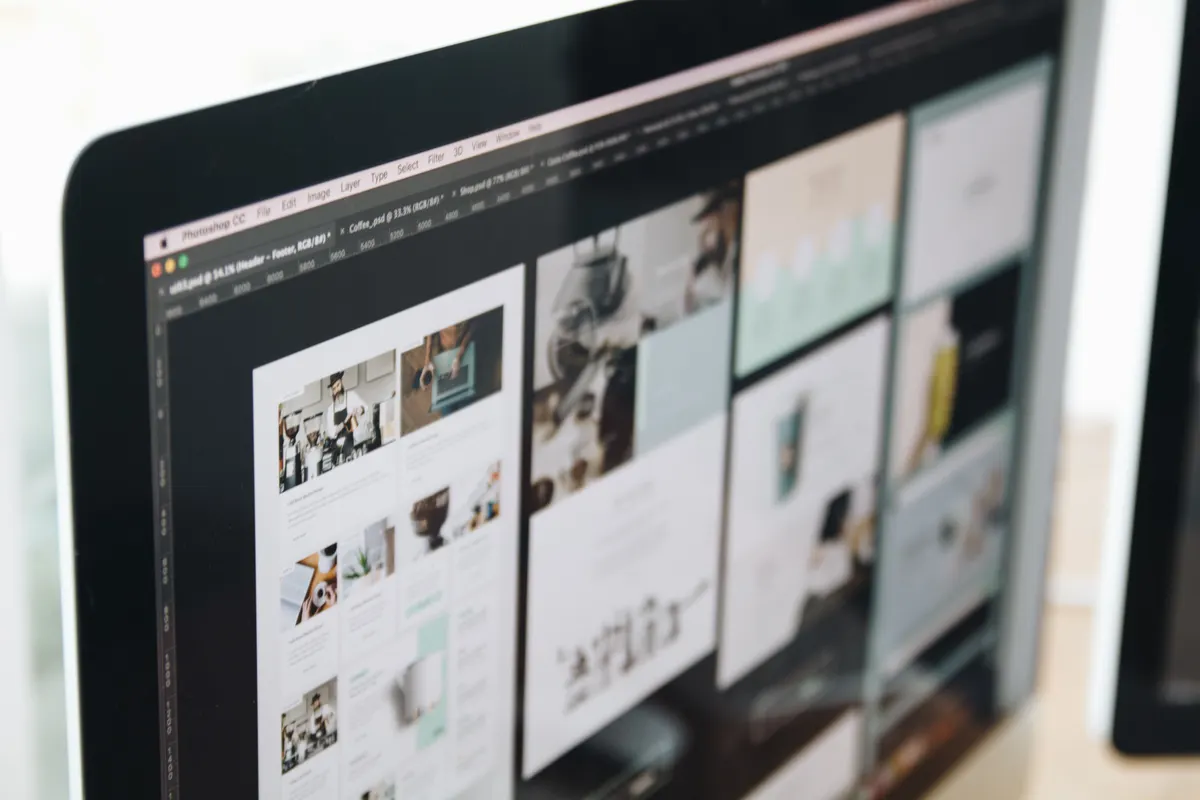
- You own everything. Your site, your content, your hosting, fully portable, no landlord.
- Near-unlimited flexibility. With a builder like Elementor on top, you can design almost anything, and add features through plugins rather than waiting for permission.
- Serious SEO control. Full access to the technical levers that builders hide, which matters if Google traffic is part of your plan (see my 2026 WordPress SEO checklist).
- Room to grow. Bookings, e-commerce, memberships, CRM automation, WordPress scales with you instead of capping you.
The trade-off is honesty time: WordPress asks for a little more setup and care than a drag-and-drop builder. That's the price of the freedom, and it's why a lot of people hand the move to a developer rather than wrestle it solo. More on that shortly.
"Will I Lose My Google Rankings?" (The Big Fear)
Here's the question that keeps people frozen on a platform they've outgrown. The fear is reasonable, a botched migration absolutely can tank your rankings. But a careful one doesn't, and the difference is entirely in the preparation, not luck.
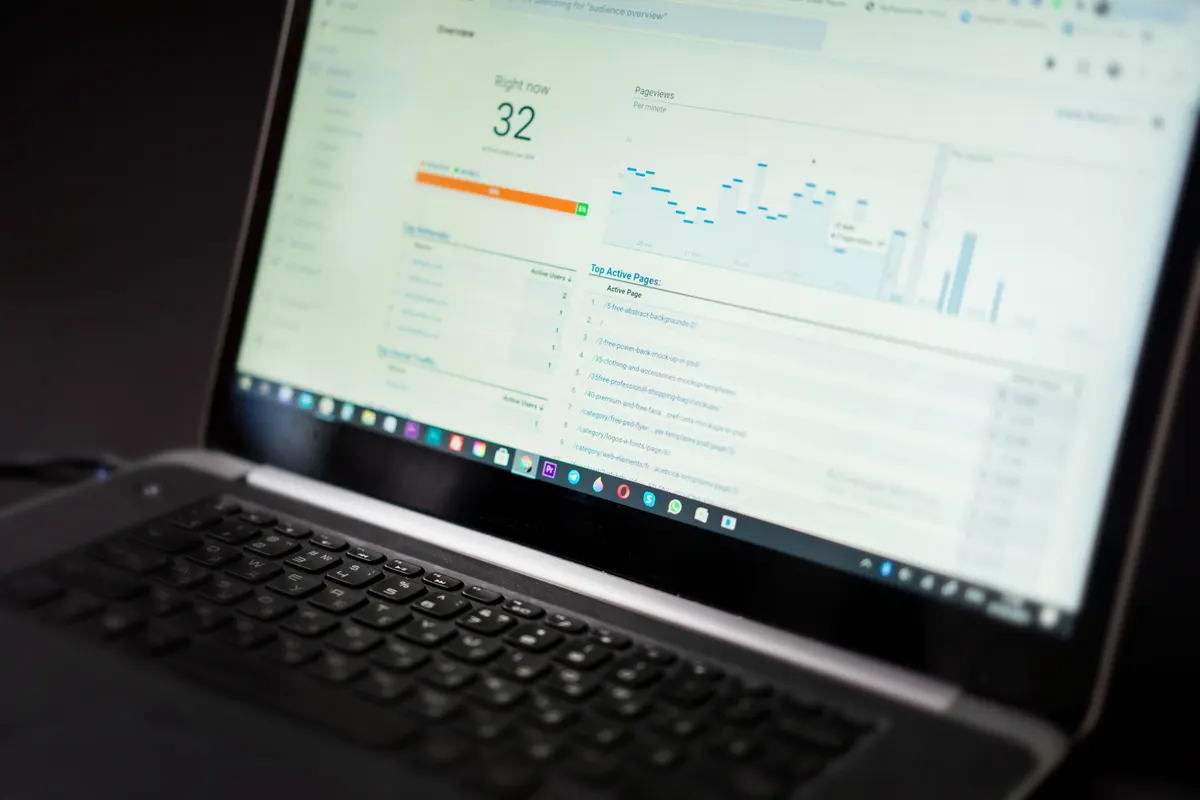
Your rankings survive when the migration protects the things Google already trusts about your site. In plain English, that means:
- Keep your URLs the same where you can, so Google finds your pages exactly where it left them.
- Set up 301 redirects for any URL that has to change, pointing the old address to the new one so visitors and rankings follow along.
- Preserve your content and on-page SEO, page titles, meta descriptions, headings, and image alt text all carry over.
- Submit a fresh sitemap in Google Search Console after launch so Google re-crawls the new site quickly.
Do those and rankings typically hold steady, sometimes they even improve, because WordPress lets you fix the technical SEO and speed issues the old platform wouldn't. The horror stories you've heard almost always trace back to someone skipping the redirects. Don't skip the redirects.

Free Website Audit
Build, improve, and grow online.
Whether you're starting fresh or improving an existing site, discover opportunities to grow online.
Book a Free CallHow the Migration Actually Works, Step by Step
Migrations sound scary until you see them broken down. There's no magic "import everything" button between these platforms (they don't exactly want to make leaving easy), so a proper move is a methodical rebuild. Here's the shape of it:
- Audit what you have. List every page, your top-ranking URLs, and the content worth keeping. You can't protect what you haven't mapped.
- Set up WordPress and hosting. Fresh install on quality hosting, in your name, on a staging site so the public never sees the work-in-progress.
- Rebuild the design. Recreate your site in WordPress (Elementor makes this clean and fast), improving the bits that always bugged you while you're at it.
- Move the content. Bring across your text, images, and pages, keeping titles, metas, and structure intact for SEO.
- Map the redirects. Match every old URL to its new home with 301 redirects. This is the SEO safety net, and the step amateurs skip.
- Test everything on staging. Links, forms, mobile, speed. Find the broken bits before the public does.
- Launch and point the domain. Flip the switch, then keep the old site available just long enough to confirm nothing's missing.
- Submit and monitor. Send the new sitemap to Search Console and watch your traffic for a few weeks to catch anything that slipped.
Quick Win: Don't Cancel the Old Site on Launch Day
The single most expensive migration mistake is deleting your Wix or Squarespace site the moment the new one goes live. Keep it active for a few weeks. It's your safety net, if a page, image, or redirect turns out to be missing, you've still got the original to check against. Cancelling early to save one month's fee, then discovering a gap you can't reference, is the website equivalent of burning the receipt before you're sure the thing works.
Should You DIY the Migration, or Hire Someone?
Could you do this yourself? If you're technically confident, have a small site, and enjoy a weekend project with stakes, genuinely, yes. The pieces are all learnable. The catch is that migrations are unforgiving: the redirects, the SEO preservation, and the DNS switch are exactly the bits where a small mistake quietly costs you traffic for months before you notice.
That's why most businesses hand the move to a developer, not because it's impossible, but because the cost of getting the SEO part wrong dwarfs the cost of doing it right. If you'd rather not gamble your rankings on a first attempt, that's the kind of migration I handle for clients, you can see the kind of work in my portfolio, and there's a no-jargon walkthrough of choosing the right person in how to hire a WordPress developer. Hiring offshore to keep costs sensible is a perfectly good route too, I cover it in hiring a WordPress and Elementor developer in the Philippines.
Migrating to WordPress: FAQs
Will migrating to WordPress hurt my SEO?
Not if it's done carefully. Keep your URLs where possible, set up 301 redirects for any that change, preserve your titles and meta data, and submit a new sitemap. Done right, rankings hold steady, and often improve once you fix the technical SEO and speed your old platform limited.
Can I move my content automatically from Wix or Squarespace?
Only partially. There's no clean one-click transfer between these platforms and WordPress, so a proper migration is a structured rebuild, recreating the design and moving content deliberately. That's actually a good thing: it's your chance to improve what wasn't working rather than copy the flaws across.
How long does a migration take?
It depends on size. A small site can move in a week or so; a larger site with lots of pages, products, or custom features takes longer. The biggest variable is usually content readiness, the rebuild moves fastest when your text and images are organised and to hand.
Will my website go offline during the move?
It shouldn't. A proper migration is built on a separate staging site while your live site keeps running. You only switch the domain over once the new site is tested and ready, so visitors experience little to no downtime.
Is WordPress harder to manage than Wix or Squarespace?
It asks for a little more involvement, but a well-built WordPress site with a page builder like Elementor is very manageable for day-to-day edits. And you can arrange a maintenance plan so updates and security are handled for you, freedom without the homework.
Ready to Make the Move?
Outgrowing your website builder isn't a failure, it's a sign your business got bigger than its starter setup. Migrating to WordPress gives you back ownership, flexibility, and real control over your SEO, and done carefully, you keep every bit of the Google traffic you've earned. Map your URLs, protect them with redirects, rebuild deliberately, and don't bin the old site on day one.
If you'd rather have the move handled by someone who does migrations for a living, and keeps your rankings intact in the process, that's exactly what I do. Take a look at my services, browse the portfolio, or book a free discovery call and we'll map out your migration, no jargon, no pressure, and no lost rankings. Prefer to type? Just send a message and we'll take it from there.
Why Your Business Emails Keep Going to Spam (Step-by-Step Fix for 2026)
NextKlaviyo Email & SMS Flows Every Shopify Store Needs in 2026 (To Recover Lost Sales)

Paul Puzon
Building Websites That Drive Growth • WordPress Developer • Elementor Expert • GoHighLevel
Get the week's best marketing content